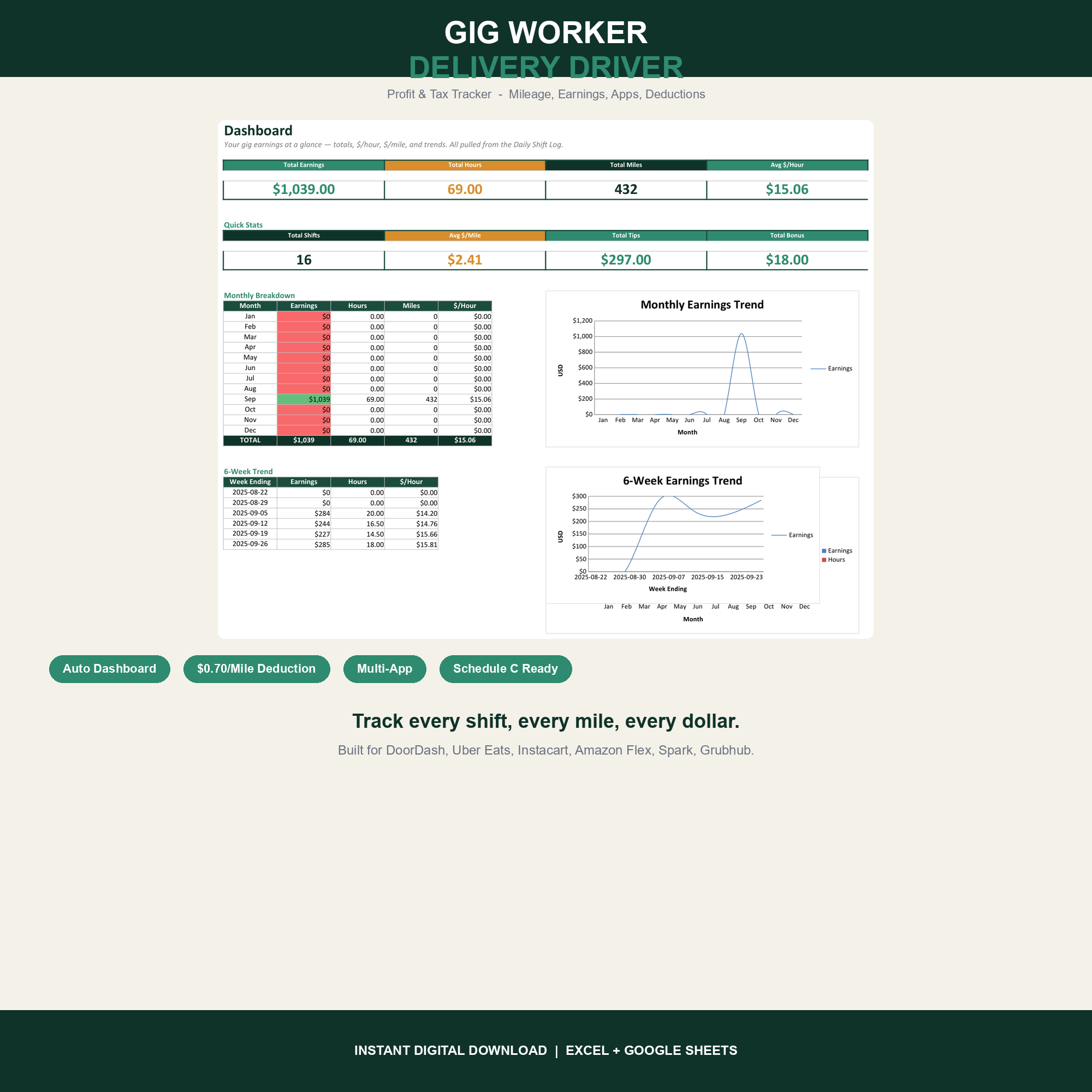

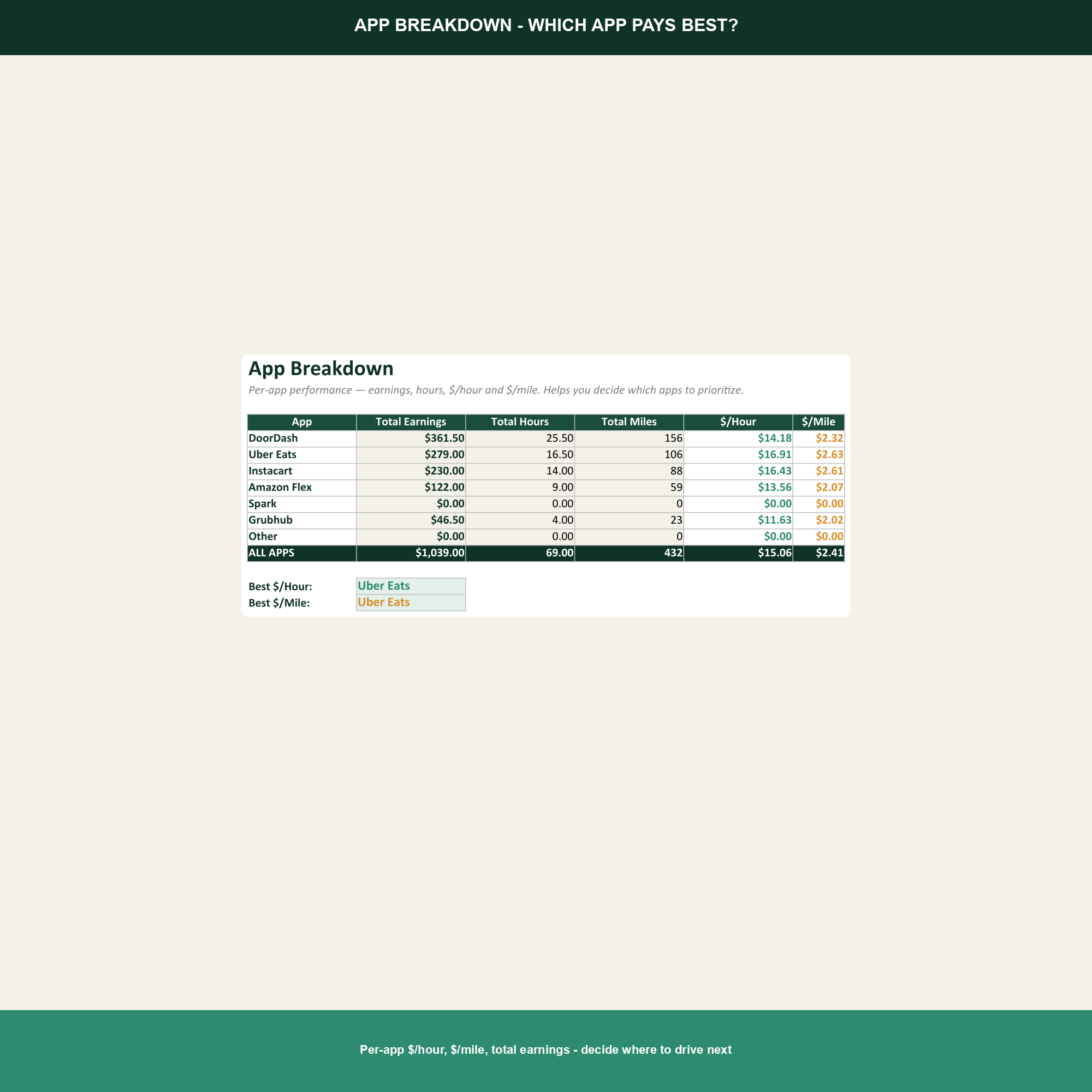
DoorDash one night, Uber Eats the next, Instacart on the weekend, Amazon Flex when surge is hot. The money adds up; so do the miles, the platform fees, and the self-employment tax bill that lands every April. The Gig Worker Mileage Tracker Spreadsheet shows you — at the app level — which platforms actually pay, and how much of next year's taxes to set aside so April is not a surprise.
What this template tracks
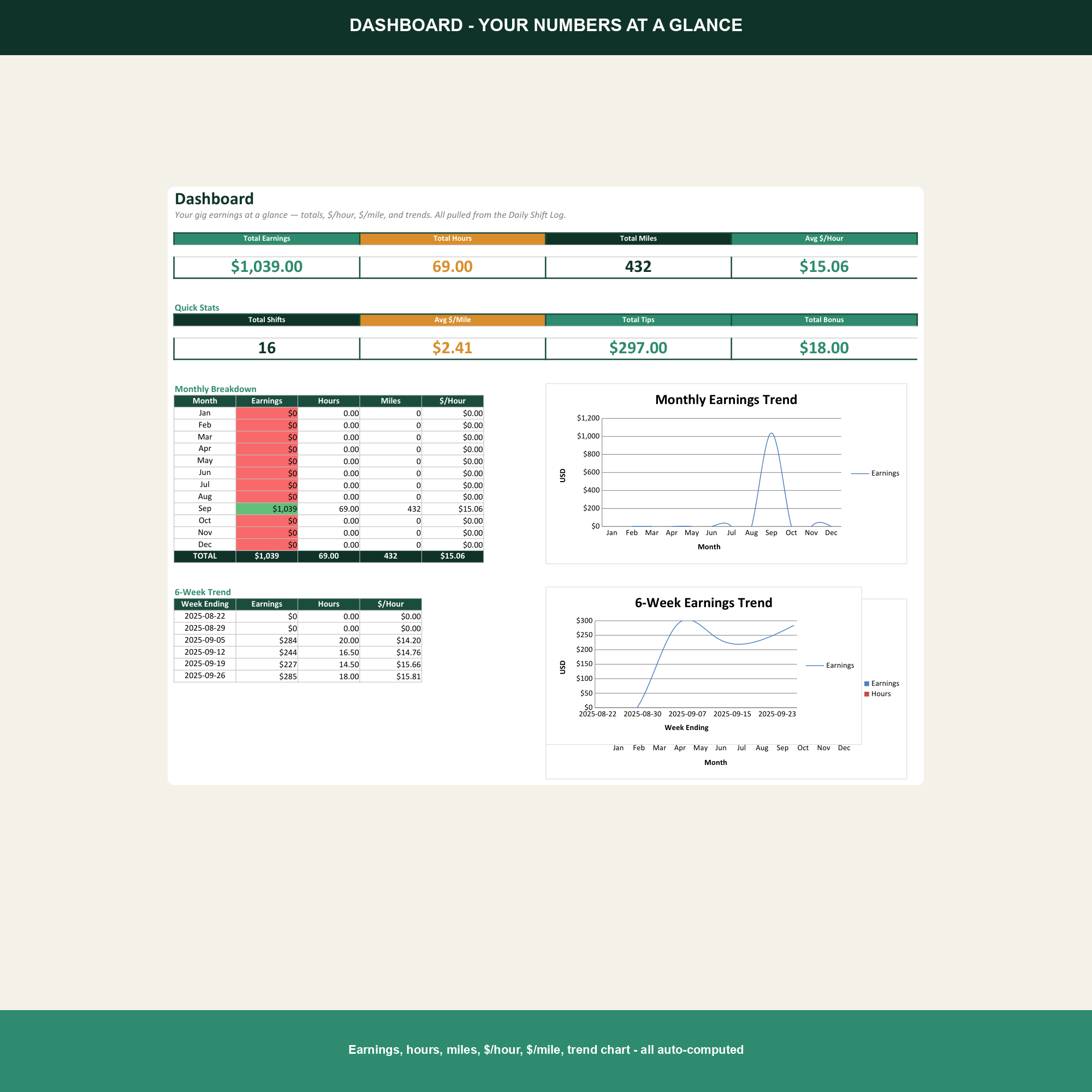
- Multi-app shift log. One row per shift, tagged by app, with hours, deliveries, base pay, tips, bonuses, and miles. The tracker ranks the apps by true hourly and per-mile profit so you can stop driving for the losers.
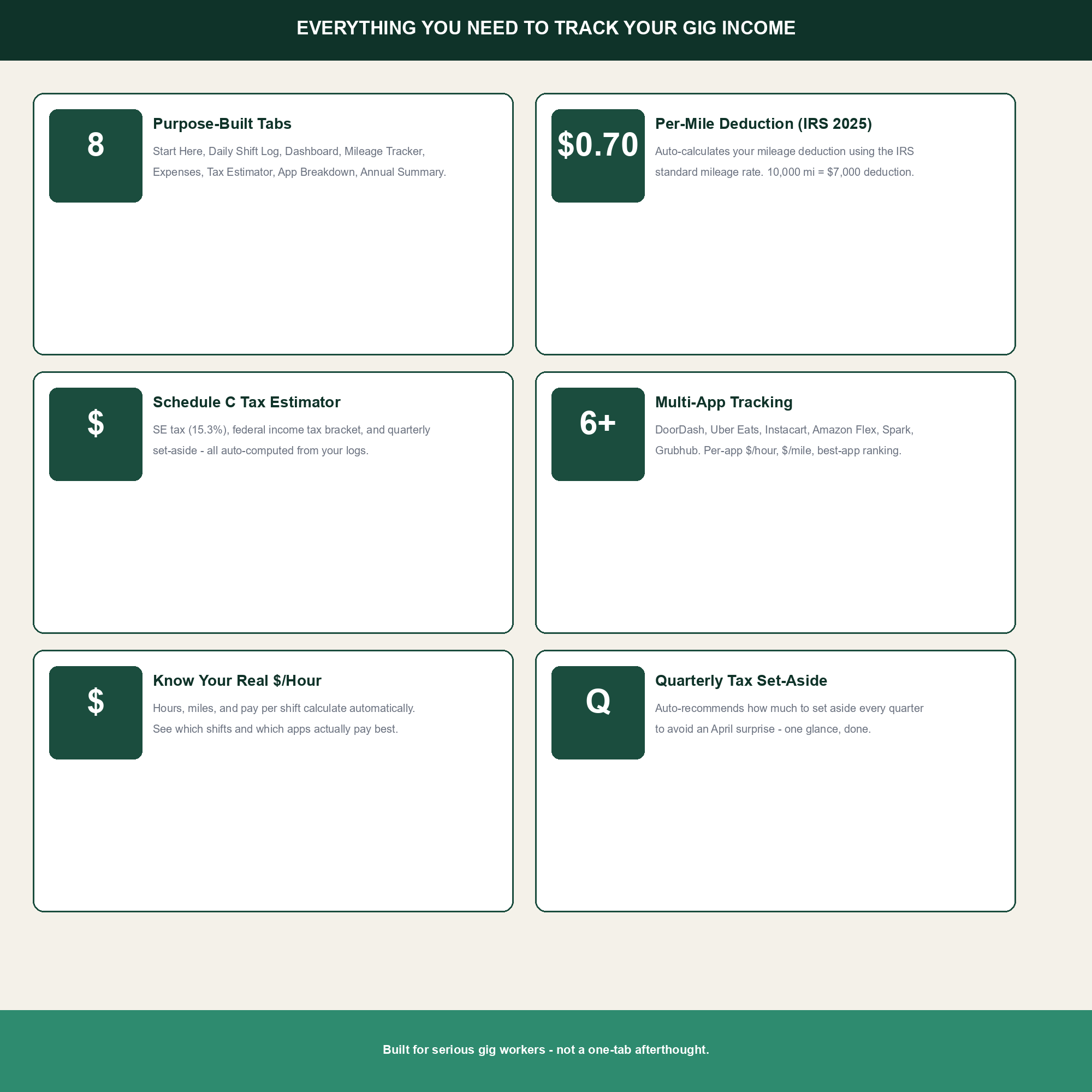
- IRS-standard mileage deduction. Built around the 2025 IRS standard mileage rate ($0.70/mi business use) so every business mile you log turns into a deduction without manual math.
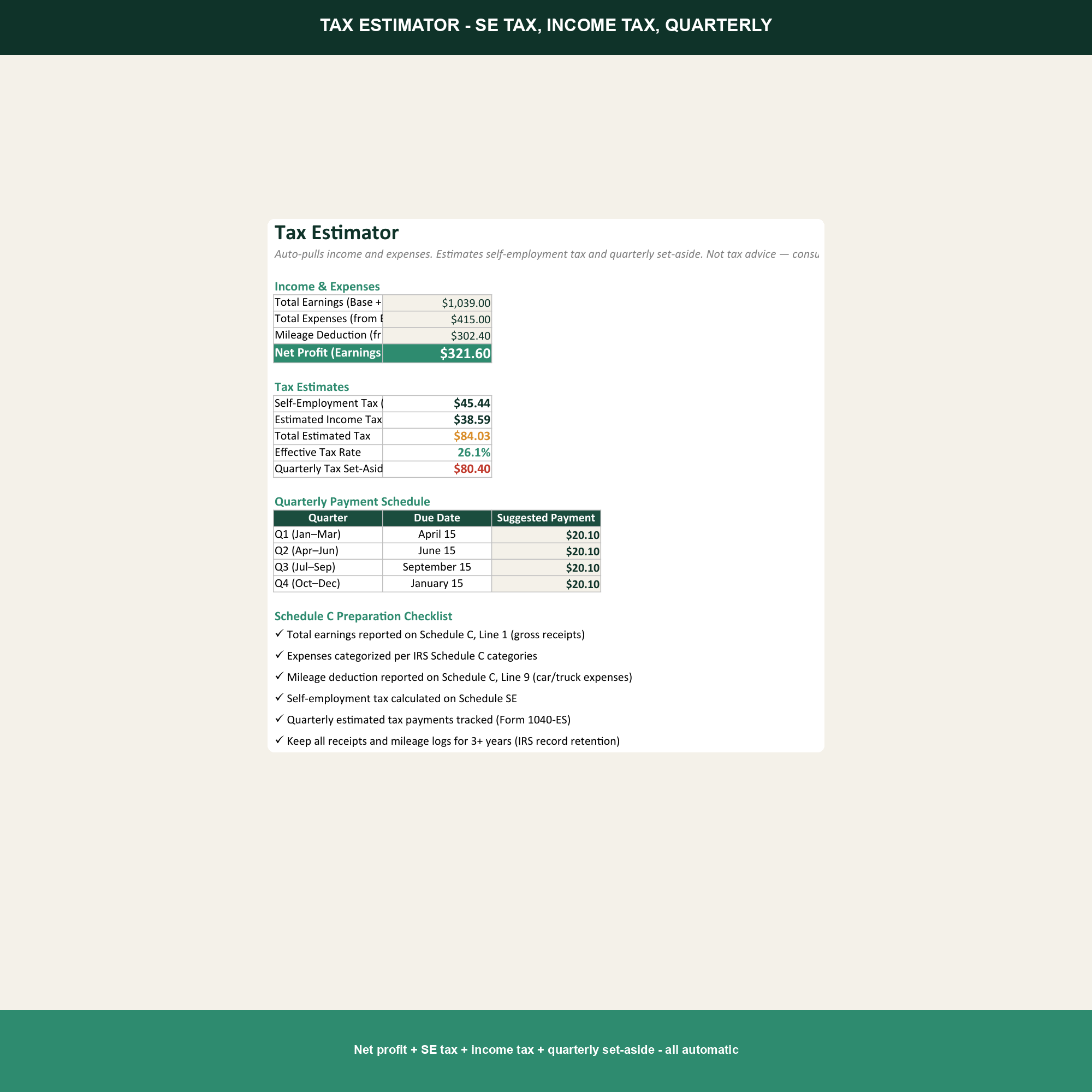
- Self-employment tax estimator. Calculates the 15.3% SE tax (12.4% Social Security + 2.9% Medicare) plus federal income tax estimate, so you know what to set aside each quarter.
- Quarterly set-aside + Schedule C draft. Quarterly tax set-aside calculator and a Schedule C draft that drops straight into your tax return.
How to use it
Open in Excel or Google Sheets. Log every shift in the Shift Log tab the same day — the Google Sheets mobile app is the easiest way from the road. Tag the app, log the start and end odometer (or total miles), and enter the payouts. The App Breakdown, Tax Estimator, and Schedule C tabs update automatically. Most gig workers spend 5 minutes a day keeping it current.
Why this matters
The gig economy pays per delivery but taxes you per year. A driver making $1,200 a week can owe $12,000 in self-employment and income tax come April — money that was never withheld and that most drivers have already spent. This template shows the per-app real profit after mileage and platform deductions, so you can stop driving for the app that pays $11/hour after costs. It also estimates the quarterly set-aside every week, so the tax bill is budgeted for in real time instead of discovered in April. The mileage deduction alone often reduces taxable income by $4,000–$8,000 for a full-time driver — but only if the miles are actually logged.
What is in the workbook
Eight tabs — Setup, Shift Log, Mileage, App Breakdown, Tax Estimator, Quarterly Set-Aside, Schedule C, and Annual Dashboard — plus 921 formulas, 6 charts, and pre-loaded 2025 IRS mileage rate and SE tax brackets. No macros, no external dependencies.
Who this template is for
Full-time and side-hustle gig workers driving for DoorDash, Uber Eats, Instacart, Amazon Flex, Grubhub, Lyft, Shipt, Walmart Spark, and similar platforms who want to know which app is actually worth their time, and who refuse to be ambushed by a five-figure tax bill every April.
Frequently asked questions
Does it support the 2025 IRS mileage rate?
Yes. The 2025 rate of $0.70/mi is pre-loaded. The Mileage tab multiplies business miles by the rate to give your deduction in dollars.
Can I track multiple apps?
Yes. The Shift Log has an App column with a dropdown for DoorDash, Uber Eats, Instacart, Amazon Flex, Grubhub, Lyft, Shipt, Walmart Spark, and Other.
Does it calculate quarterly estimated taxes?
Yes. The Quarterly Set-Aside tab divides your projected annual tax by four so you know exactly what to send the IRS each quarter.
Will it work for a single 1099?
Yes. Many drivers receive one consolidated 1099 from a single platform or an aggregate 1099. The Schedule C draft handles both cases.